Resource Scheduling

Introduction

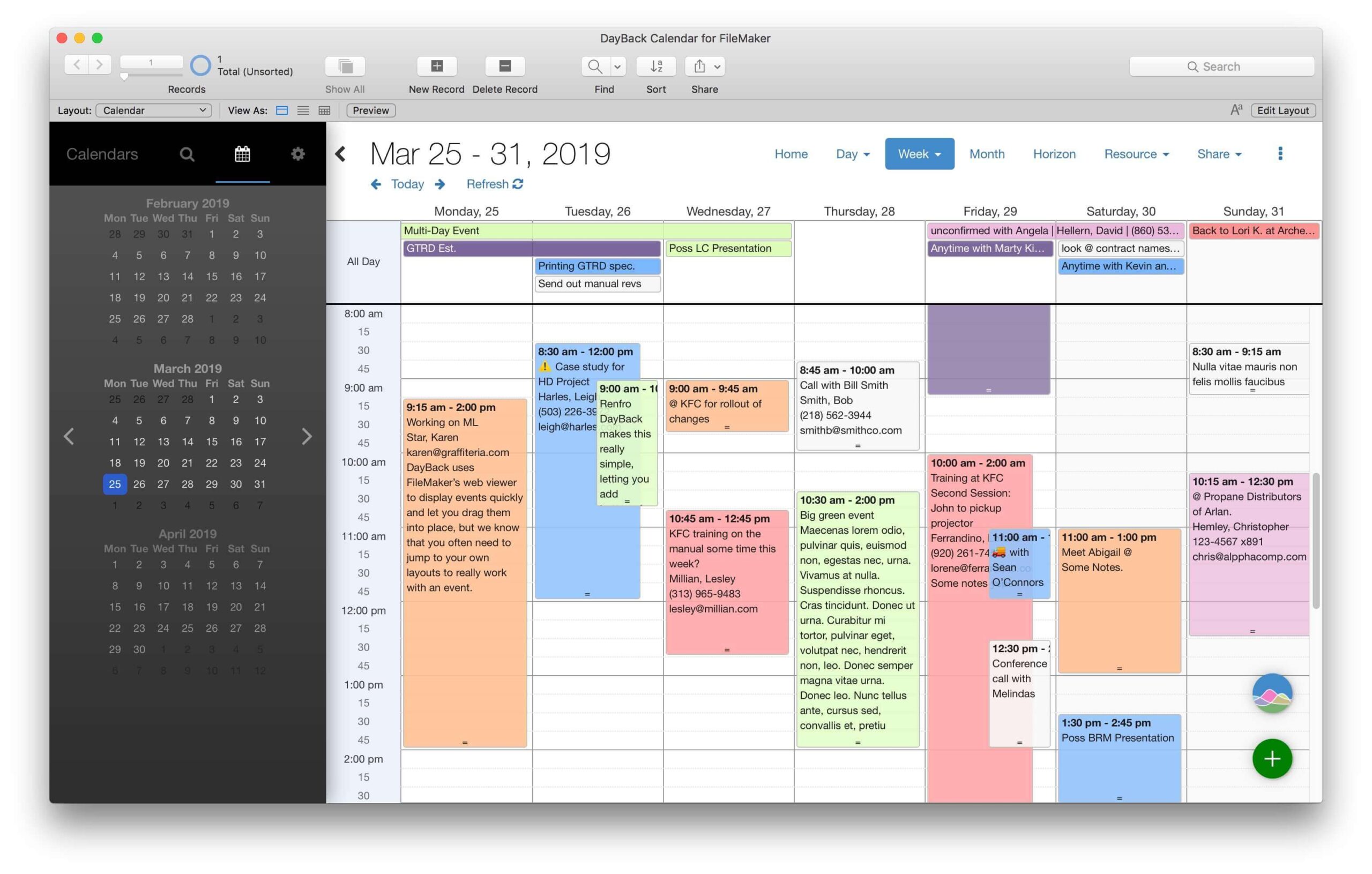
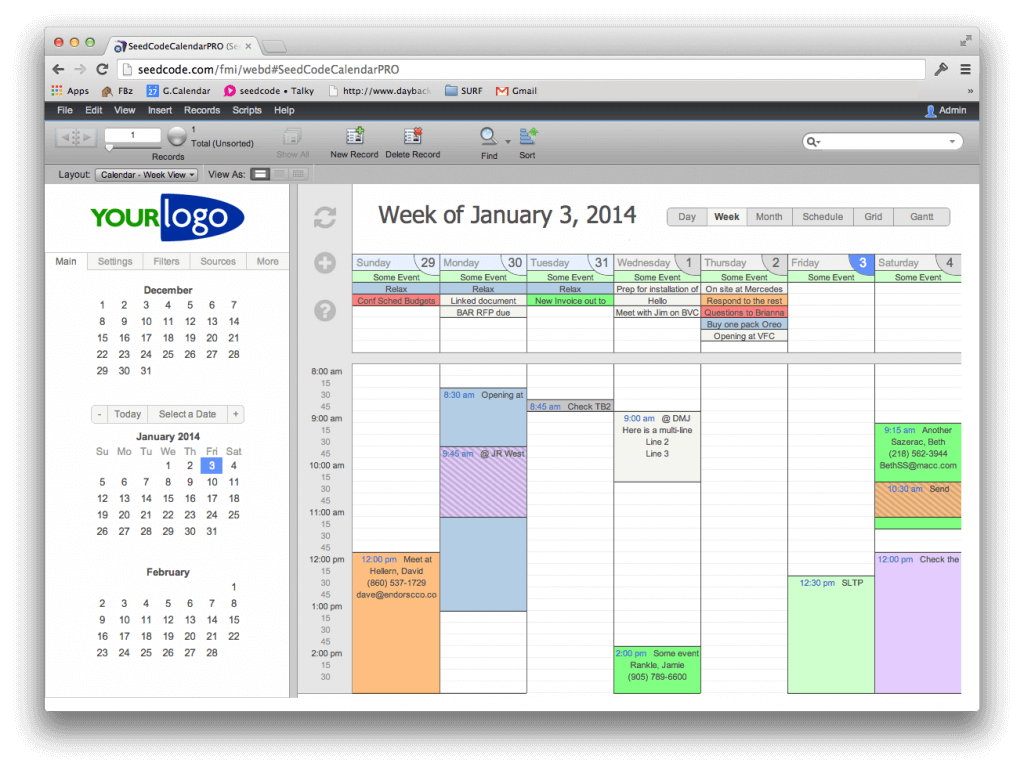
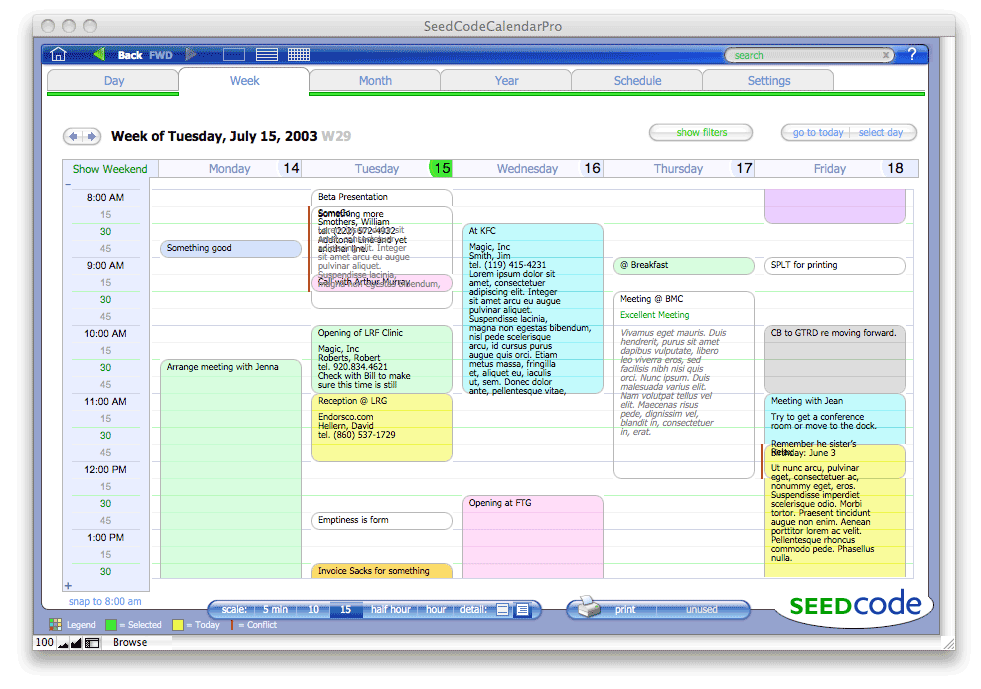
In addition to the regular calendaring functions of scheduling appointments and meetings, due dates and the like, the Seed Code Calendar Pro and Pro Complete allows you to schedule resources and scan your day or week for gaps when a particular type of resource might be available.

Resources can be anything-- conference rooms, trucks, vacation rentals, people-- anything that is scheduled off and on over the course of a day or week.

Scheduling a Day

Daily View. The main scheduling view shows a single day as a grid with resources across the top and times down the left side. Notice that you can change the time scale here (using the scale buttons along the bottom edge of the screen) just as you can in the week view.

FileMaker Resource Scheduling

Across the top you see the first 5 resources of the resource type you've selected in your filters; you can create any number of resources types so that you're always looking at the first 5 most likely candidates for fulfilling a particular appointment.If you have more than 5 resources in a given type, you can use the "previous" and "next" buttons beside the resources to "scroll" to the next 5 resources.

Horizontal & Multi-Day Views

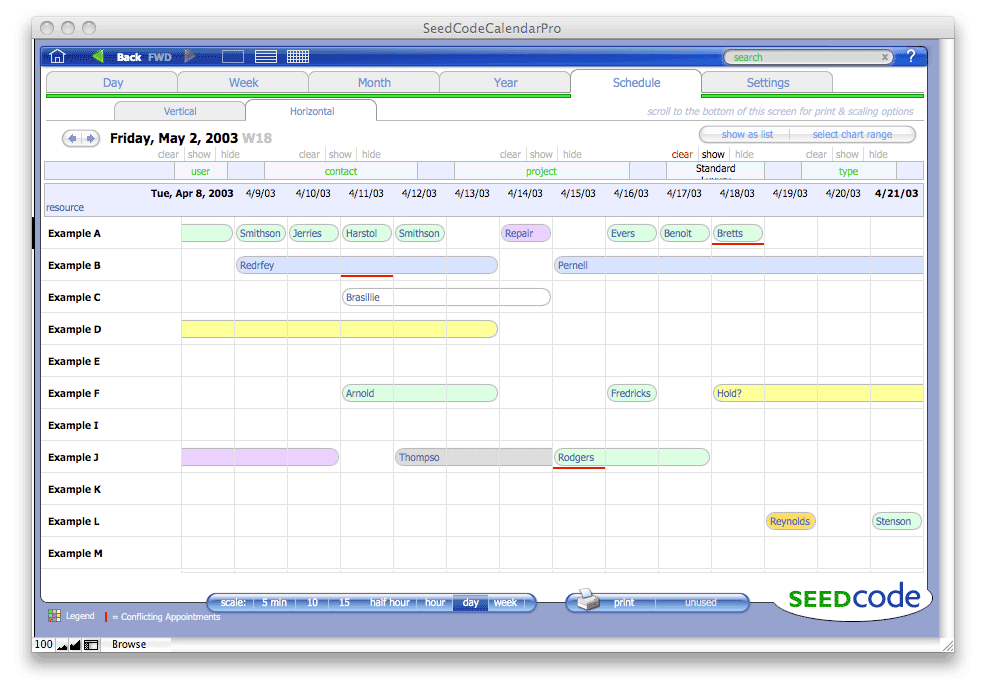
Flipped on its side. You can also view a horizontal version of the scheduling screen. While this shows less information about each appointment (more information is available in tooltips by hovering over an appointment), you can see more resources at once this way.

Horizontal Orientation

Zooming Out. You'll see two additional scale options on the horizontal version of the scheduling screen, letting you zoom out to view each column as a day or week.

FileMaker Svcheduling Days & Weeks


Home

All Products

Downloads
Support Options

Support Forums

Documentation

About SeedCode

Contact Us

Join our Mailing List

License, Privacy, & Legal
Shopping Cart

Search

Site Map
       
Back to Top

Recipient of the 2004 FileMaker Excellence Award for "Developing Outstanding Technical Resources for the FileMaker Pro Community".

"5 Paws, Excellent. These guys know how to help their customers. Genius, absolute genius."

- Review of our Calendar on FMPug

(more)

Speaker

SeedCode's John Sindelar is presenting two sessions at this year's conference.

FileMaker Contact Management | FileMaker Pro Calendar | FileMaker Time Tracking | FileMaker and iCal | FileMaker Scheduling
FileMaker on iPhone | FileMaker Templates | Utilities | Contact Us
Telephone: (206) 715-2126