products | checkout | shopping cart

Completely Unlocked, Multi-User Calendar Template.

Now with
grid scheduling and related clients.

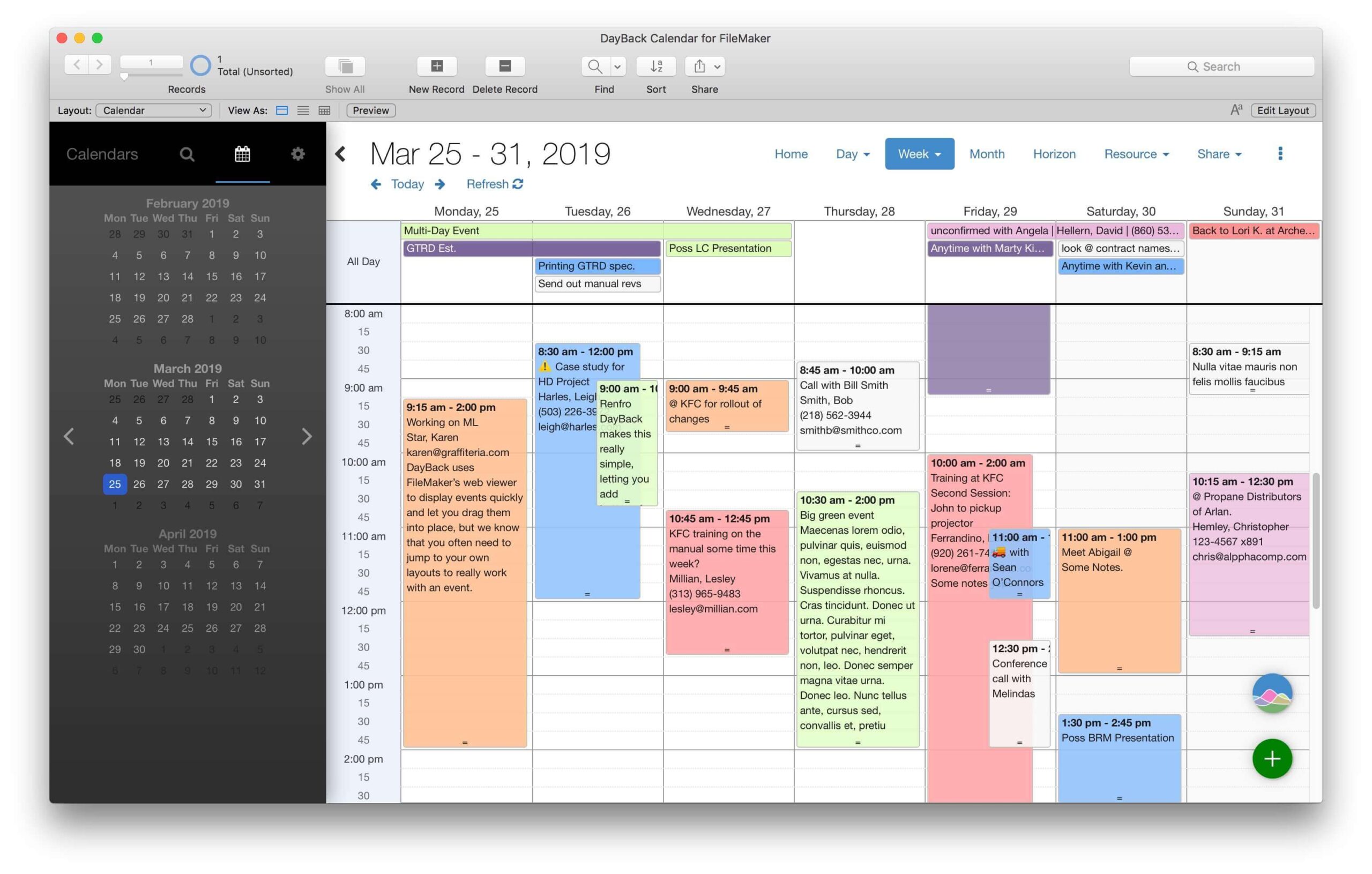
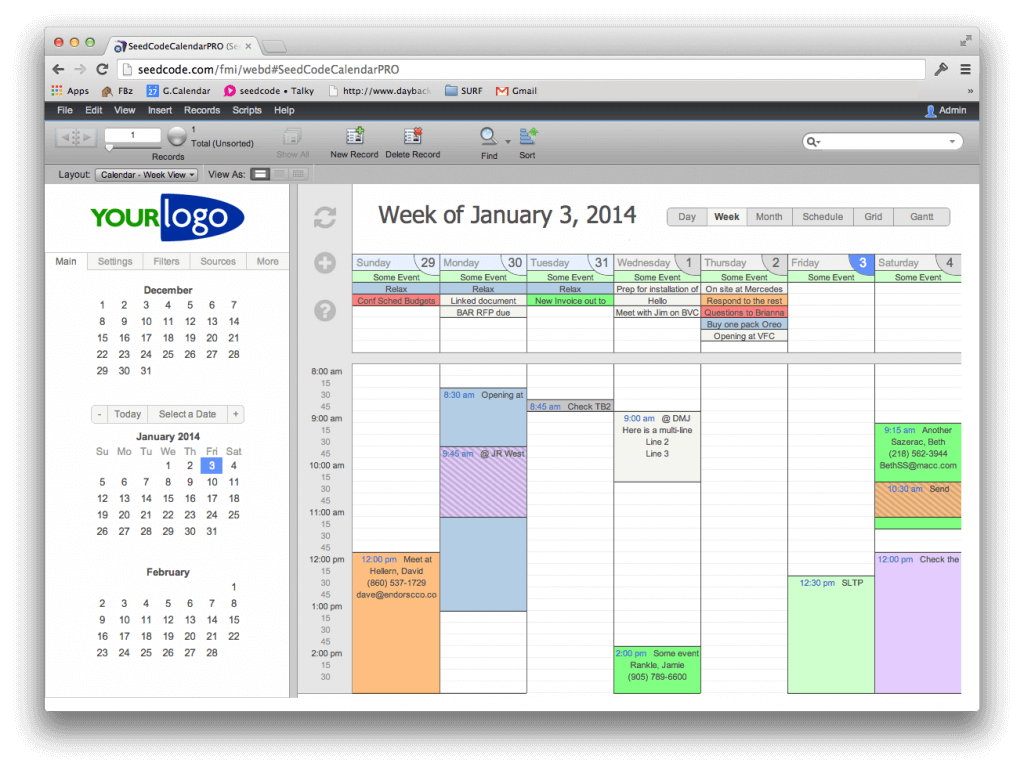
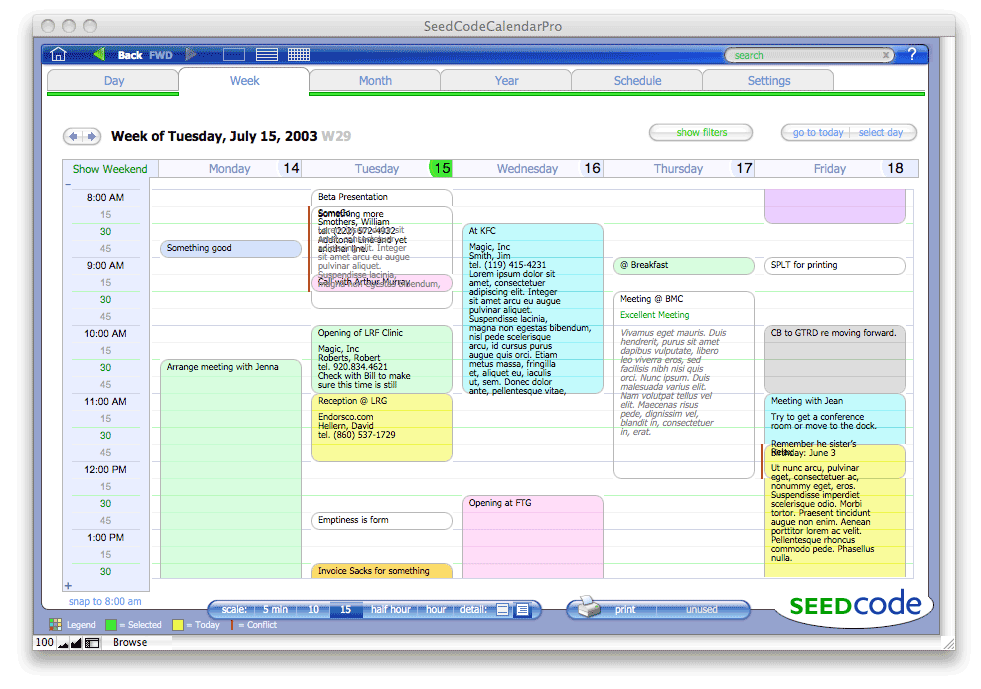
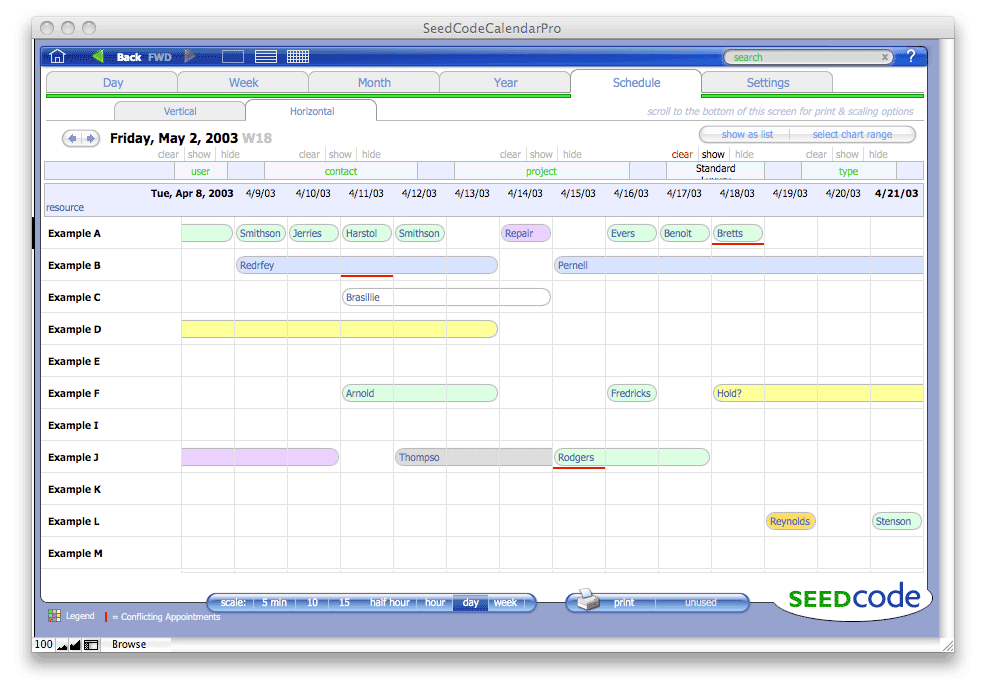
The Scheduling Edition (SE) brings you elegant grid scheduling without a ton of portals and redundant relationships. So you can get in there and modify the calendar to suit your needs.

Your "resources
" can be vehicles, rooms, technicians, or barbershop chairs: filters let you easily show just the resource "types" you’re interested and you can easily jump from one group of resources to the next, or to a specific resource.

With a built-in clients table the SE Calendar now includes routines for linking a client with an appointment and viewing client information in the calendar. You can now easily swap out this client’s table for your own clients database, or build out from ours, adding specific attributes for your clients. In either case, the hard work of integrating clients and appointments on the schedule is already done.
Also on this page...
Version Comparison
Screenshots
Related Product Categories
More Information...
Upgrade Pricing
Documentation
Complete Feature List
Calendar Support Forum


Demo: CC Calendar Pro Scheduling Edition
Price: $0.00


CC Calendar Pro Scheduling Edition
Price: $229.00


CC Calendar Pro Dev Scheduling Edition
Price: $599.00

*The Demo of the Scheduling Edition is fully functional and networkable with the exceptions that a) design access has been removed, b) it will expire in 10 days, and c) records created in the demo will need to be reentered into the unlocked version.

CC Calendar Scheduling Edition (SE) compared to Pro    Back to Top


Features of CC Calendar Pro Compared to CC Calendar Pro SE
Pro SE
ProDev SE*
Price. FM7/8 (Completely compatible with FileMaker 8.)
 $159
$229
$599
Multi-User, Site License. (no per-seat restrictions).
x
x
-
Day, Week, Month, and Year Views. No Plugins Required.
x
x
x
Show a To-Do List and "Other Items" in Addition to Appointments.
x
x
x
Filter by User and Appointment Type. Color Coded Appointment Types.
x
x
x
Repeating Events (i.e. 3rd Tuesday of the Month).
x
x
x
Easily Search Appointments & To-Dos.
x
x
x
Web Publish a Read Only Calendar in iCal or the open source PHP iCalendar.
x
x
x
Web Publish an Editable Calendar Using our Instant Web Publishing Module.**
x
x
x
Link Appointments to Clients (Includes a Sample Clients Database).
-
x
x
Link Appointments to Resources and Filter by Resource / Resource Type.***
-
x
x
View a Day’s Appointments in a Grid with Resources Across the Top and Hours Down the Side; "Scroll" Columns Left and Right to View Additional Resources.
-
x
x
Shift-click the intersection of a Resource and a Time to Create a New Appointment for that Time / Resource.
-
x
x
"Flip" Orientations to View Resources Down the Side and Hours Across the Top.
-
x
x
Flag Conflicting Appointments.
-
x
x
Click on a Time to see all Appointments for that Time.****
-
x
x
Multi Site License to distribute a tightly integrated calendar. License Info.
-
-
x


* Pro and ProDev have the same feature set and differ solely in their licensing terms.
** Not all Scheduling Edition features are supported in our IWP Module: available separately.
*** Day, Week, and Month Views Filter by Resource. Scheduling Grids Filter by Resource Type.
**** Not applicable to the horizontal orientation.


Screen Shots    Back to Top
Click on thumbnails for full size screen shots.


Scheduling Meeting Rooms at a Convention Center.

The Same Schedule Shown at Two Different Scales.
Built-In Client Database Lets You Link Clients to Appointments.

Selecting a Client for an Appointment.

Schedule for a YMCA’s Facilities (11 hr Scale).
The Same YMCA Schedule in a Horizontal View and a 5 hr Scale.
Rounding Example. A Demonstration of How Various Appointment Times are Depicted Visually.
Month View. Showing the Color Coding Legend for Appointment Types.

Daily View Showing Calendar Filters.

Daily View Filtered by Resource and Showing the To-Do List.
Settings Including Appointment Types, Colors, and Views.
Maintaining a List of Resources.
Built in FAQ: Searchable and Expandable.
Conflicting or Overlapping Appointments.
Another Example of How Conflicts are Displayed.


Home

All Products

Downloads
Support Options

Support Forums

Documentation

About SeedCode

Contact Us

Join our Mailing List

License, Privacy, & Legal
Shopping Cart

Search

Site Map
       
Back to Top

Recipient of the 2004 FileMaker Excellence Award for "Developing Outstanding Technical Resources for the FileMaker Pro Community".

"5 Paws, Excellent. These guys know how to help their customers. Genius, absolute genius."

- Review of our Calendar on FMPug

(more)

Speaker

SeedCode's John Sindelar is presenting two sessions at this year's conference.

FileMaker Contact Management | FileMaker Pro Calendar | FileMaker Time Tracking | FileMaker and iCal | FileMaker Scheduling
FileMaker on iPhone | FileMaker Templates | Utilities | Contact Us
Telephone: (206) 715-2126